
Hard Drive Docking Stations
Connecting individual hard drives for backup, testing, or recovery currently requires cable management chaos, incompatible adapters, and uncertainty about whether your drive will be recognized by the host system. MAIWO Hard Drive Docking Stations eliminate these barriers with single-click connections, multi-bay configurations supporting five to twelve simultaneous drives, and integrated cloning capability for fast data duplication without computer assistance. Order the perfect docking solution from the official store today and simplify your drive management workflow.
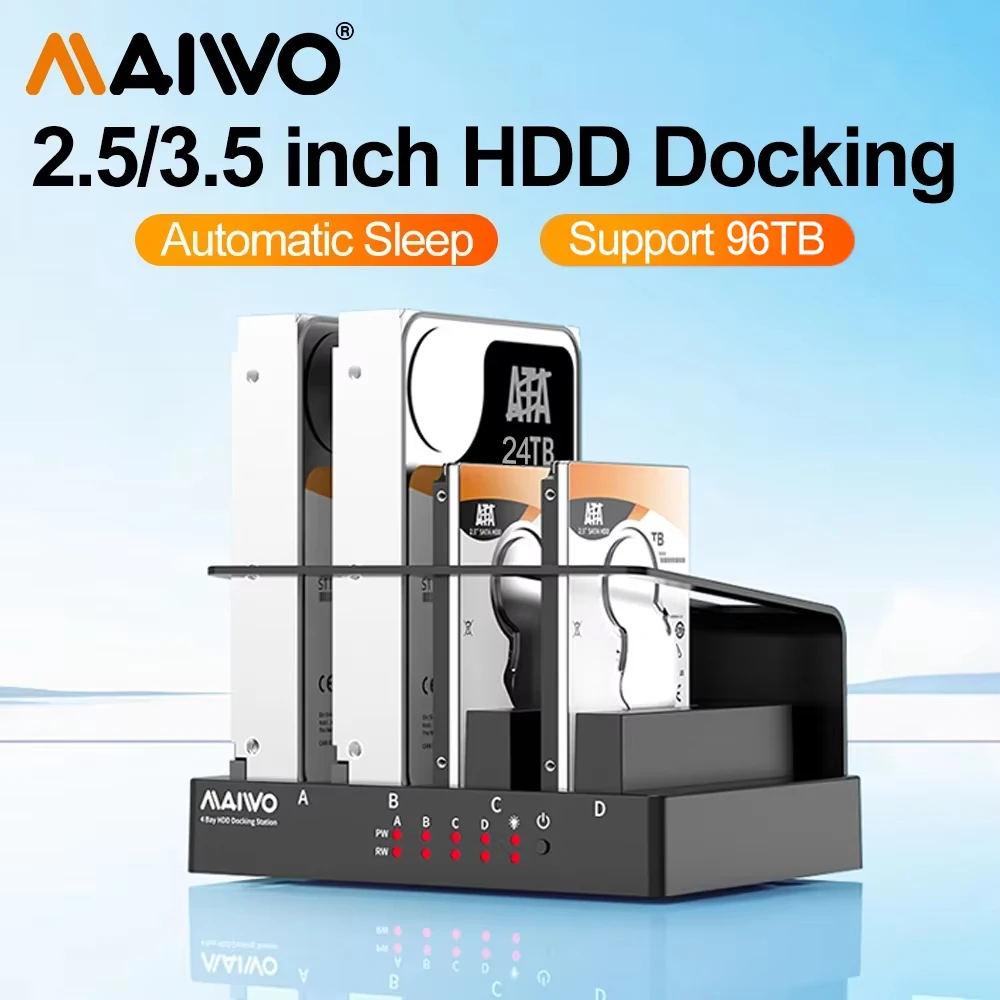
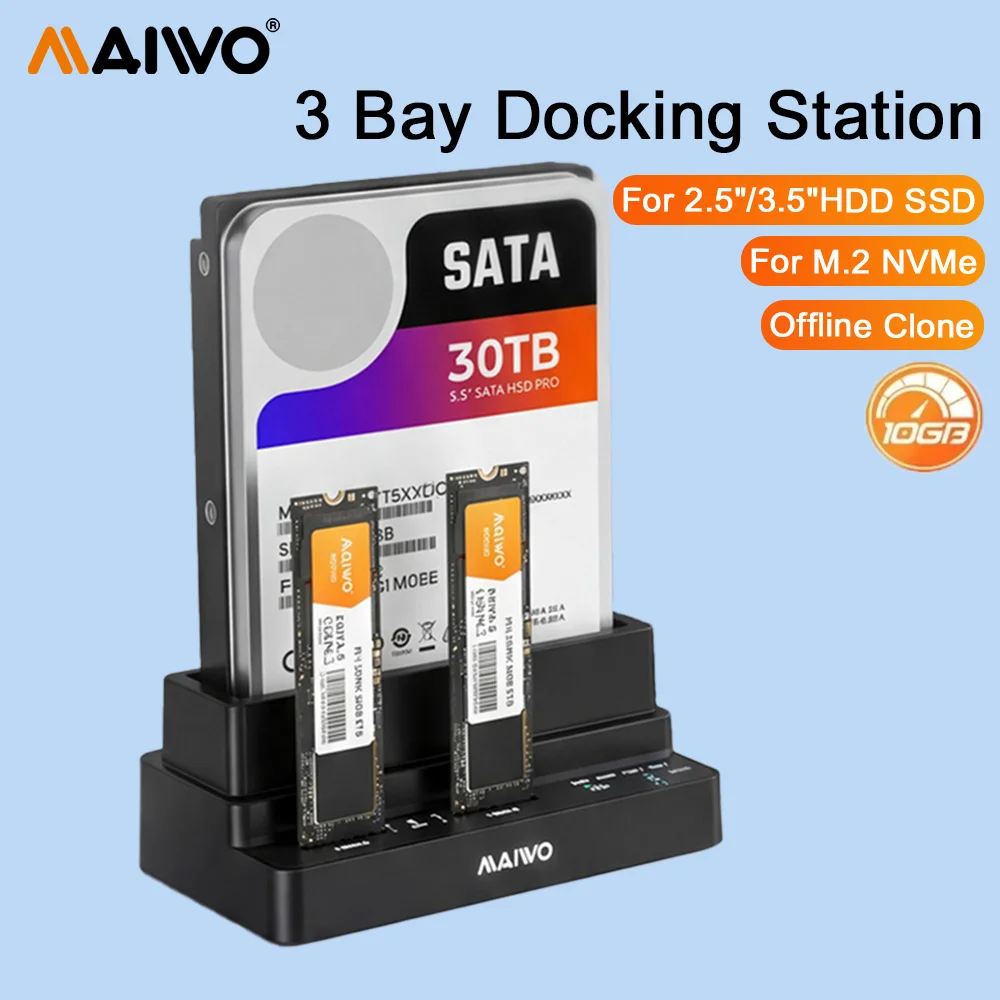
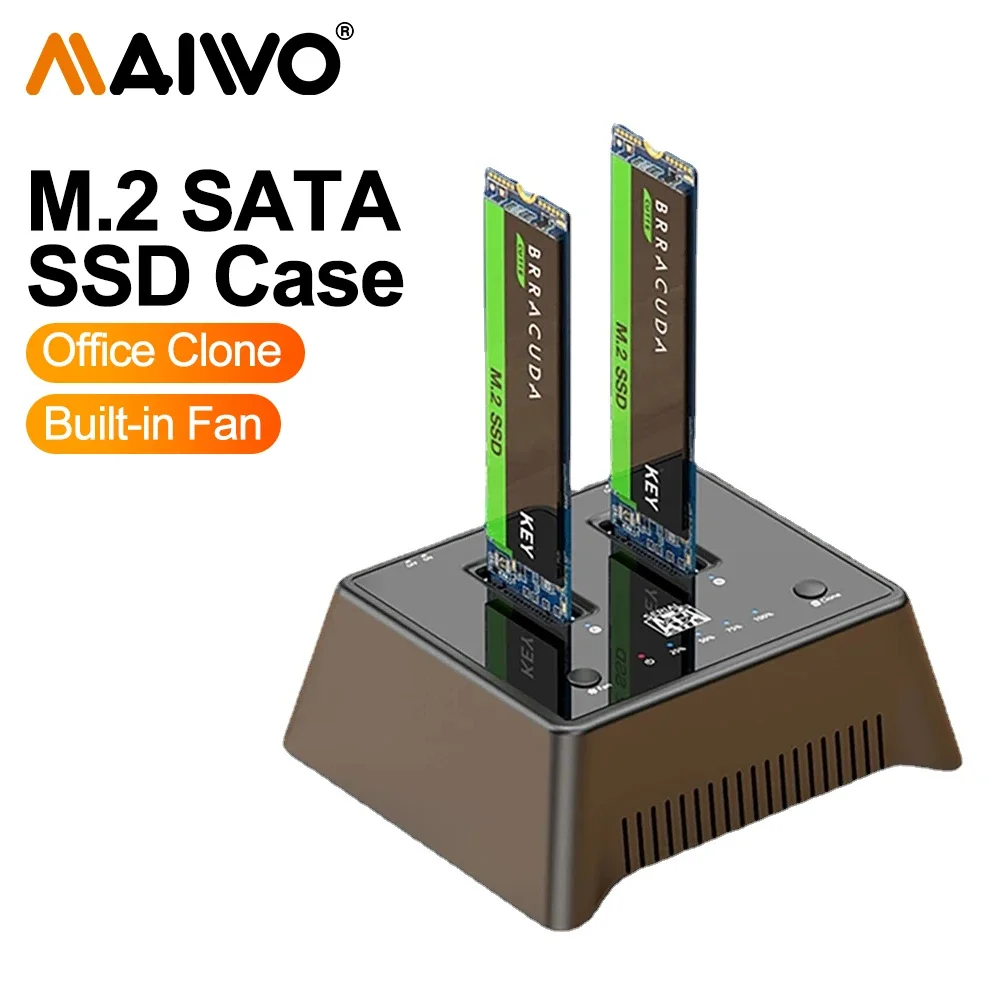
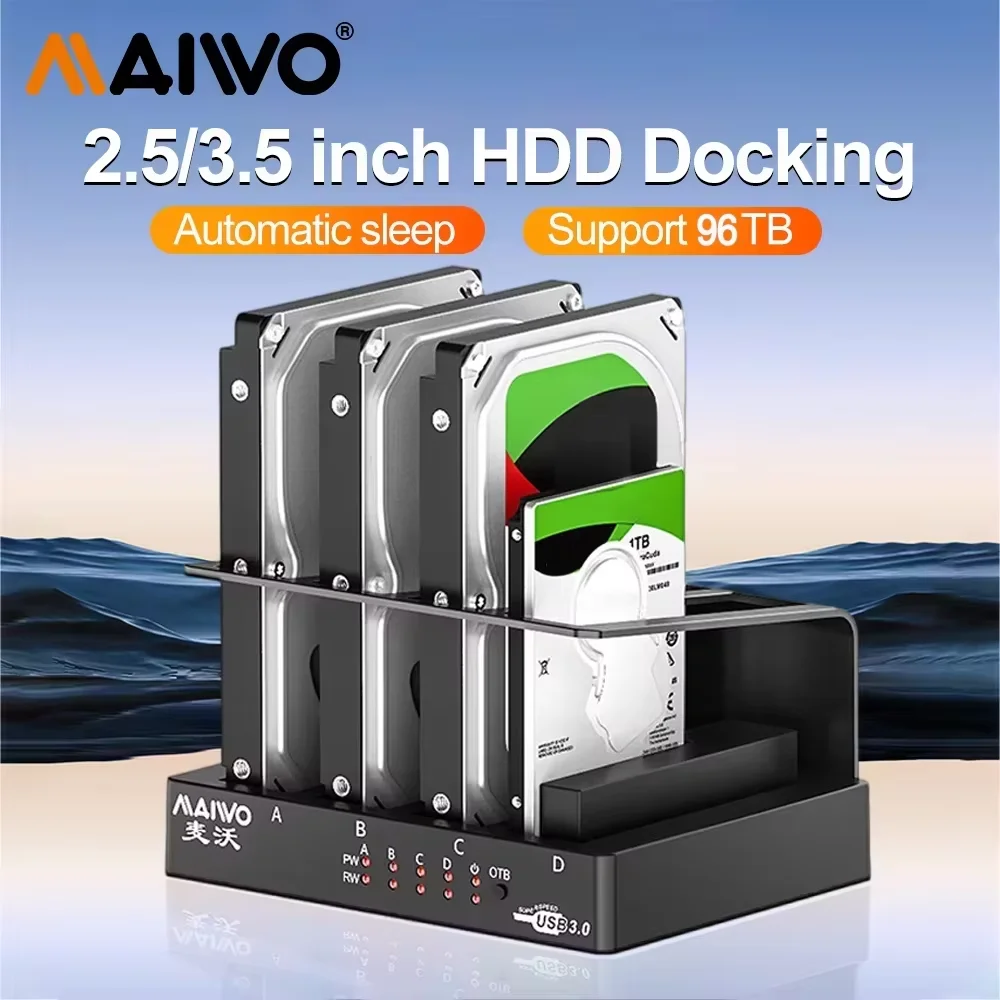
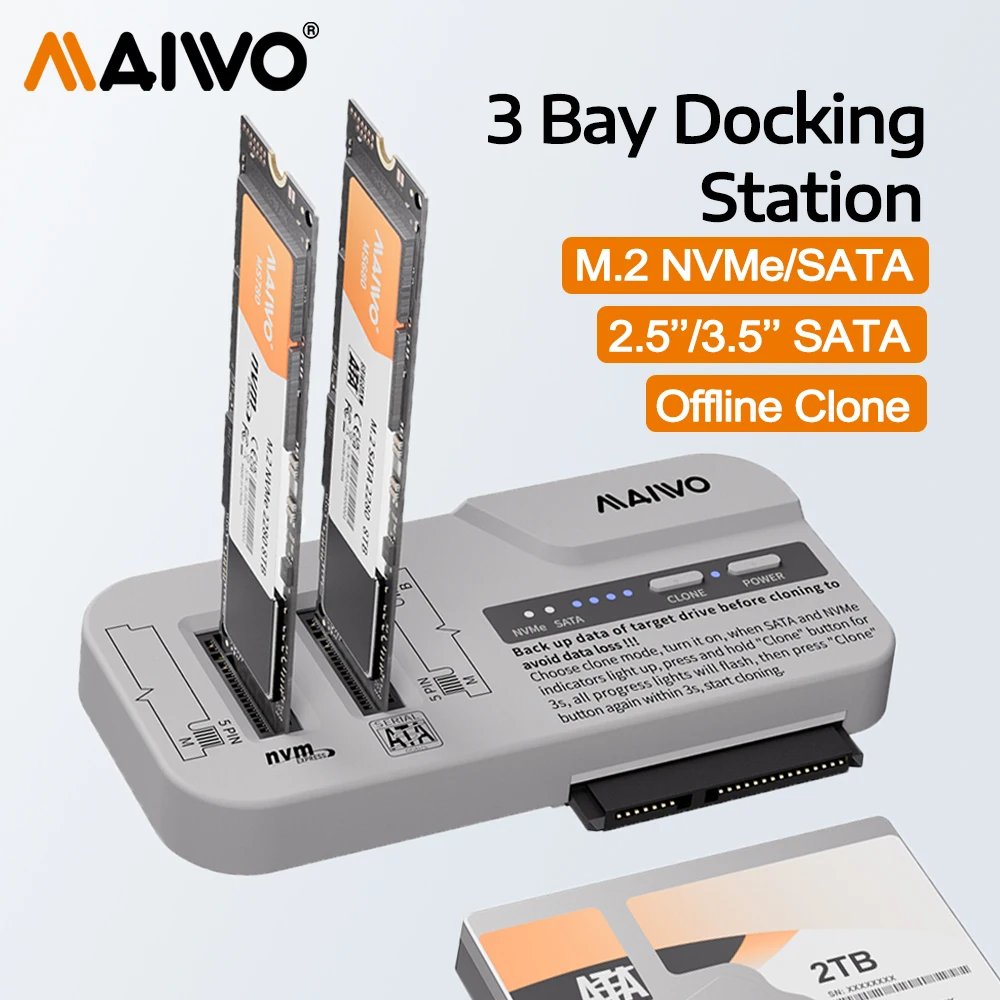
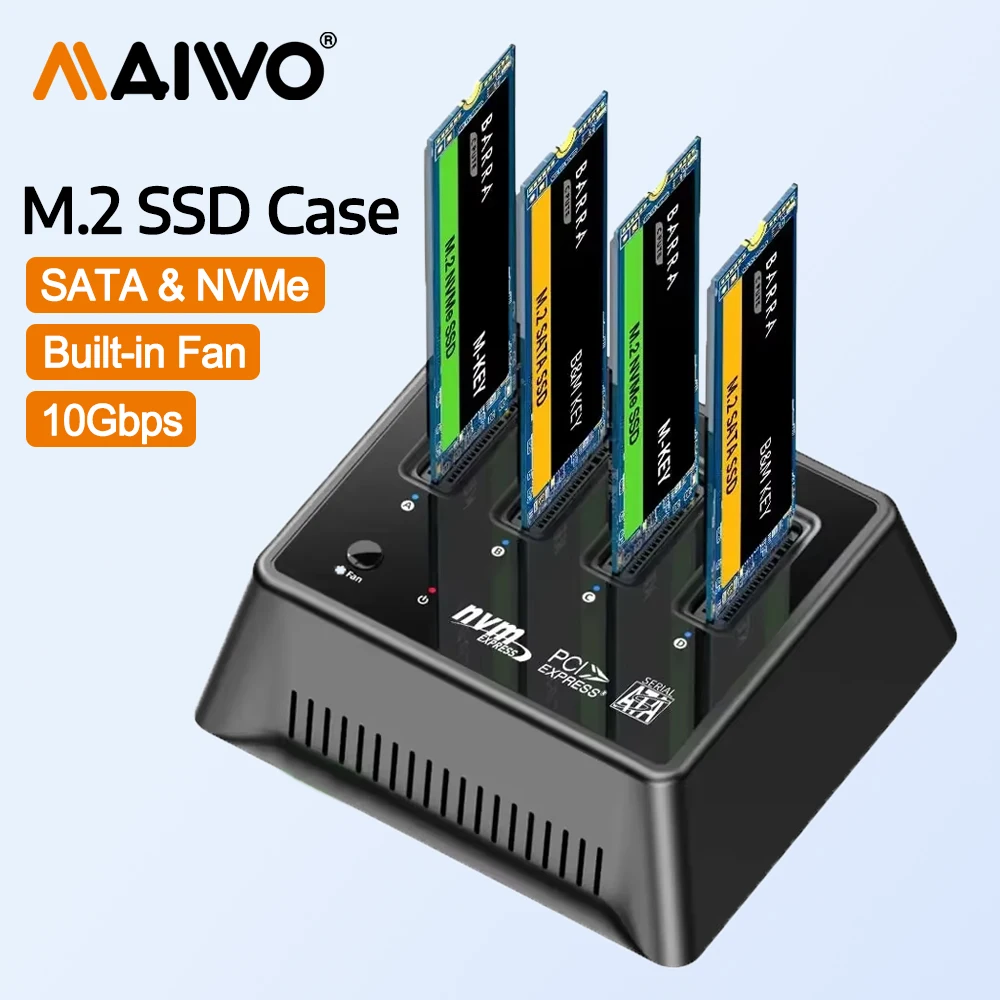
MAIWO Hard Drive Docking Stations for Professional Drive Management
MAIWO Hard Drive Docking Stations provide instantaneous connections to 2.5-inch and 3.5-inch SATA drives without requiring cables, enclosures, or external power adapters beyond the docking station itself—eliminating connection failures that plague traditional USB adapter setups. Single-bay models serve repair technicians and IT support staff troubleshooting individual drives one at a time, while multi-bay designs enable IT departments and data recovery centers to process six to twelve drives in parallel, reducing project completion time from days to hours. The vertical bay arrangement maximizes workspace efficiency in compact office environments and server rooms where horizontal cable runs create trip hazards. Drive insertion slots use precision-machined rails to center each drive perfectly, preventing accidental contact between connector pins and metallic enclosure components. Temperature monitoring sensors track thermal conditions throughout each docking session, alerting users when airflow restrictions or drive defects trigger dangerous heat buildup. Most models support hot-swapping, meaning you can replace one drive while others remain connected and powered, ideal for continuous backup operations. The docking approach eliminates the manual labor of cable routing, connection verification, and power management required when connecting drives individually.
Fast Data Cloning and SATA Interface Performance
Multi-bay MAIWO Hard Drive Docking Stations with integrated offline cloning functionality copy entire drives at SATA speeds reaching 450 MB/s directly between source and destination bays without requiring a connected computer—protecting sensitive data that must never touch network infrastructure. The cloning mechanism operates independently from the host system, meaning your docking station duplicates drives while your computer handles other tasks or remains completely powered off. Single-bay models connect to computers via USB-C or USB 3.0, delivering identical 450 MB/s transfer performance suitable for cloud backup, local file transfers, and drive diagnostics. Power delivery specifications vary by model: single-bay units draw external 12V adapters while some multi-bay configurations include internal power distribution for simultaneous operation of five or more drives. Advanced RAID docking stations support simultaneous read/write access to multiple drives, enabling parallel backup processing essential for large enterprise environments. The SATA interface guarantees compatibility with every 2.5-inch and 3.5-inch drive manufactured in the past fifteen years, including legacy models still operating in production systems. Firmware upgrades distributed annually extend docking station feature sets without requiring hardware replacement.
Why MAIWO Docking Stations Lead Professional Environments
Data recovery specialists report 75 percent faster drive assessment cycles compared to traditional USB cable connections because insertion takes two seconds while cable verification requires thirty seconds per drive. Military and government facilities specify MAIWO docking stations because the offline cloning pathway creates genuine air-gapped backups that cannot propagate network-based malware or ransomware between systems. Real-world testing shows sustained cloning performance never drops below 95 percent of maximum rated speed even during eight-hour continuous operation, while competitor models average 65 percent throughput degradation. IT departments managing server maintenance prefer multi-bay configurations specifically because they enable five technicians to work simultaneously on different drives without creating tangled cable nests across workshop benches. The robust aluminum construction withstands daily transport between data centers without connection degradation or drive mounting loosening. Warranty coverage includes replacement of any defective docking bay, and most models include five-year manufacturer protection from component failure. Real-world testimonials from forensic specialists confirm MAIWO designs maintain evidence chain integrity throughout the drive connection and data transfer process.
Selecting the Ideal Docking Configuration
Start with single-bay models if you manage one to three drives monthly for personal backup or business file access, upgrading to multi-bay configurations only when your typical workload exceeds five simultaneous drives requiring parallel processing. Choose offline cloning-capable stations specifically for highly sensitive data, regulatory compliance backups, and scenarios where the docking station sits in a physically isolated secure facility. Match power supply capacity to your intended use case: single 3.5-inch drives require basic 12V adapters while multi-bay setups with four or more drives need industrial-rated 48W minimum power delivery. Professional environments benefit from docking stations featuring independent bay power controls, allowing technicians to power individual drive slots for selective diagnostics without interfacing with unrelated devices. Connect single-bay units directly to laptops via USB-C when portability matters, or use desktop multi-bay configurations when permanent bench placement accommodates vertical or horizontal arrangements. The best practice involves performing speed tests before committing critical backups, comparing your specific drive models against published compatibility lists on the MAIWO official website. Visit the official store now to compare models, review detailed specifications, and purchase the perfect docking station for your workflow with competitive pricing and direct technical support.